
Lost P45: A Complete UK Guide to What to Do Next
Realising you have lost your P45 can feel stressful, especially if you're starting a new job, filing a tax return, or applying for a mortgage. The good news is that a missing P45 is a common problem with a straightfoward fix. This guide walks you through exactly what a P45 is, how payroll systems handle missing records, and the practical steps you can take right now to avoid paying excess tax.
Note: If you urgently need your Payslips, P60, or P45 and cannot wait for standard replacement requests through your employer or HMRC, A2Z Payroll offers accelerated document retrieval services. Visit: A2Z Payroll to request your documents — within 2 hours, A2Z Payroll has over 20 years' experience, in providing genuine payroll documentation.
What Is a P45 and Why Does It Matter?
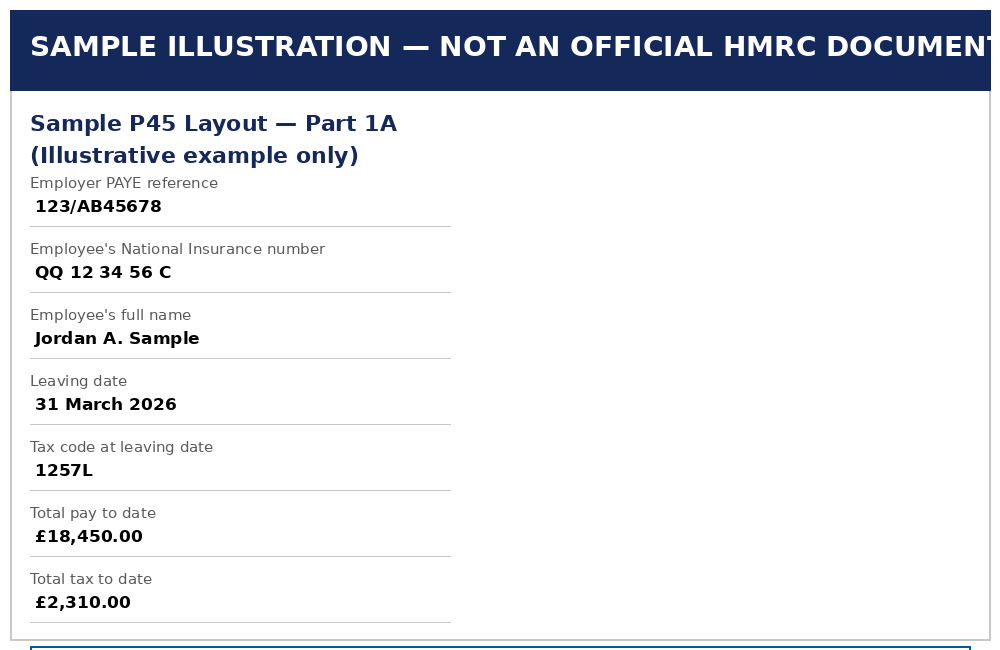
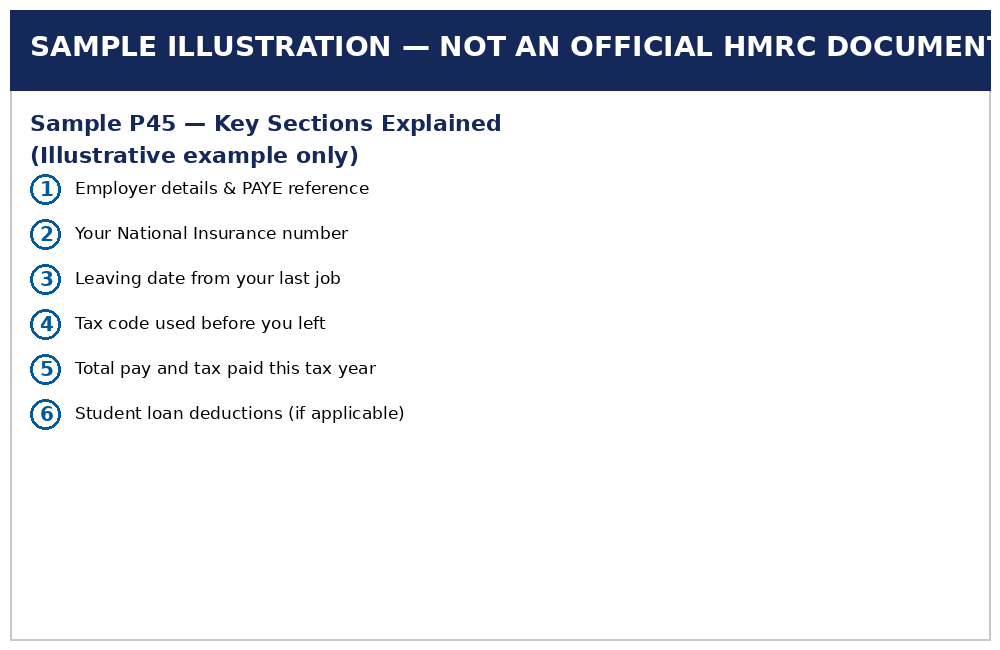
A P45 is an official document your employer generates automatically when you leave a job. It summarises your total earnings and the tax you have paid so far in the current tax year (which runs from 6 April to 5 April), along with your final tax code.
Your P45 gives your new employer's payroll team the exact figures needed to calculate your tax accurately from your very first payday, preventing you from being placed on a temporary emergency tax code.
Who Issues a P45?
Your previous employer's payroll software generates the P45 — HMRC does not issue or mail this document to you. Understanding this distinction is key when looking for replacements or official alternatives.
The Four Parts of a P45, Explained
A P45 is divided into four sections, each serving a specific administrative role:
- Part 1: Sent directly by your old employer to HMRC via Real Time Information (RTI) payroll reporting. You do not receive or manage this copy.
- Part 1A: Your personal copy to keep for your records and Self Assessment tax returns.
- Part 2: Given to your new employer for their internal payroll records.
- Part 3: Given to your new employer, who uses the details to notify HMRC of your new employment status.
When someone mentions they have a misplaced P45, they are referring to Parts 1A, 2, and 3—the physical paper copies or digital PDFs handed to them directly upon leaving.
Common Reasons People Misplace Their P45
It is easy to lose track of tax paperwork. The most common scenarios include:
- Moving home shortly after changing jobs, leading to paperwork getting misplaced
- Receiving an emailed PDF from payroll and losing it in spam or inbox archives
- Mislaying physical copies alongside old payslips
- Former employers failing to issue the document promptly upon exit
Whatever the reason, a missing form will not stop you from starting your new job or receiving your salary on time.
Step-by-Step: What to Do If Your P45 Is Missing
Follow these practical steps to update your payroll status quickly without causing tax delays.
1. Check Email Archives and Employee HR Portals
Most modern businesses issue P45s digitally through HR platforms (such as Workday, BambooHR, Sage, or Xero). Search your personal email inbox for terms like "P45", "Leaver", or your former employer's payroll address before assuming it is permanently lost.
2. Request a Statement of Earnings from Your Former Employer
Contact your former employer’s HR or payroll department. While payroll software cannot regenerate an exact duplicate P45 once closed out, employers can easily issue a formal Statement of Earnings letter. This document confirms your leaving date, final tax code, total taxable pay, and tax deducted for the tax year.
3. Complete a Starter Checklist for Your New Employer
If you cannot locate your P45, ask your new employer for a Starter Checklist (which replaced the old P46 form). You can also download the official HMRC Starter Checklist directly from GOV.UK.
The most important part of this form is selecting the correct statement under Option 8:
- Statement A: This is your first job since the start of the current tax year (6 April). Result: Standard 1257L personal allowance tax code applied.
- Statement B: This is currently your only job, but you had another job since 6 April. Result: Emergency tax code applied on a non-cumulative basis until HMRC updates your record.
- Statement C: You have another active job or receive a state/occupational pension. Result: Second job tax code (BR or D0) applied.
Payroll Tip: Ensure you complete the Student Loan declarations on page 2. Without your P45, payroll cannot verify whether you are on Plan 1, Plan 2, Plan 4, or Postgraduate repayments, which could lead to incorrect deductions on your first payslip.
4. Extract Your Pay and Tax Details via the HMRC App
While HMRC call center agents cannot print or post a physical P45 to you, HMRC already holds your official leaving figures transmitted via your previous employer's Real Time Information (RTI) submissions.
How to retrieve your official pay and tax records in 3 minutes:
- Log into your HMRC Personal Tax Account or open the official HMRC App via Government Gateway.
- Navigate to Pay As You Earn (PAYE) → Income from employment history.
- Click on your former employer to view your Total Pay in Employment, Tax Deducted, and Final Tax Code.
- Screenshot or download this summary and share it with your new employer's HR team to help them verify your cumulative totals.
Quick answer: The fastest way to get your p45 is usually your employer's payroll portal or HR team. If that's not possible — for example, the company has closed — HMRC can supply your employment and income history instead. Also explore our main Lost Payslips landing page for additional options.
Understanding Emergency Tax Codes (W1 / M1 / X)
If you start a job without providing a P45 or completing a Starter Checklist, your new employer is legally required to place you on an emergency tax code—most commonly 1257L W1 (Week 1) or 1257L M1 (Month 1).
Under a non-cumulative emergency code, your tax-free personal allowance is split strictly into equal weekly or monthly portions (1/52nd or 1/12th). Payroll calculates tax on that pay period in isolation, ignoring any allowances or tax you overpaid earlier in the year.
Once your new employer submits your Starter Checklist details in their first monthly RTI submission, HMRC automatically issues an electronic update (a P6 notice) to your employer. Your tax code will revert to a standard cumulative basis, and any overpaid tax is automatically refunded through your next salary payment.
If You Work Multiple Jobs or Have Other Income Sources
If you hold two jobs simultaneously and cannot find the P45 from a previous position, select Statement C on your Starter Checklist. This ensures your primary job utilizes your tax-free Personal Allowance (£12,570 for most taxpayers), while your secondary income is taxed at the Basic Rate (BR) of 20% or Higher Rate (D0) of 40%, preventing tax underpayment penalties later.
Official Alternatives That Stand In for a P45
Because payroll software cannot re-generate an original P45, you can use these official alternative documents to provide proof of income and tax history:
| Document / Alternative | Where to Obtain | What Information It Provides | Accepted by Payroll? |
|---|---|---|---|
| Starter Checklist | New Employer / GOV.UK | Employment status declaration & student loan details | Yes (Official standard) |
| HMRC Personal Tax Summary | HMRC App / Online Account | Previous total pay, tax paid, & final tax code | Yes (Verification) |
| Statement of Earnings Letter | Former Employer Payroll | Leaving date, final pay, & tax deducted | Yes (Informal substitute) |
| Final Payslip or P60 | Personal Records | Cumulative taxable income to date | Partial (For manual checks) |
How to Prevent Lost P45 Issues in the Future
Protecting your employment tax records is simple with a few routine practices:
- Download and save a digital PDF copy to cloud storage immediately upon receipt.
- Keep a dedicated "Tax & Earnings" folder containing all annual P60s, leaver P45s, and monthly payslips.
- Ensure your personal contact email address—not your work email—is updated on your previous employer's HR system before your last working day.
How Long Should You Keep a P45 or Replacement Records?
HMRC recommends keeping PAYE tax records (including P45s, P60s, and payslips) for at least 22 months after the end of the relevant tax year if you complete a Self Assessment return. If you are a standard PAYE employee and do not file tax returns, retaining documentation for the current and previous tax year is sufficient for personal record-keeping, mortgage applications, or benefit verification.
Frequently Asked Questions
What should I do if I have a lost P45 when starting a new job?
Ask your new employer for a Starter Checklist. It collects your current tax situation details so payroll can assign the correct tax code without waiting for a physical P45.
Can HMRC send me a copy of my lost P45?
No. HMRC does not issue P45 forms directly—they are generated solely by an employer's payroll software. However, HMRC can verify your historical pay and tax figures via your Personal Tax Account.
Can my old employer reissue a replacement P45?
No, payroll systems only generate a P45 once when an employee leaves. However, your previous employer can issue a formal Statement of Earnings letter with the exact same numbers.
Will a missing P45 affect how much tax I pay?
Temporarily, yes. You may be placed on a temporary emergency tax code until your Starter Checklist is processed. Any overpaid tax will automatically be refunded through your pay once updated by HMRC.
Do I need my P45 to claim benefits or complete a tax return?
No. HMRC and the DWP verify your pay and tax history through digital RTI records, meaning a missing P45 will not block benefit applications or tax filings.
Note: This post complements our separate article covering general payslip recovery. For broader options, read our comprehensive Get My Payslips guide instead.
Final Thoughts
Losing a P45 is a common payroll bump in the road, but it will not delay your job start date or permanently affect your income. Simply complete a Starter Checklist for your new employer, grab your pay summary from the HMRC app if needed, and let automated PAYE systems handle the rest.